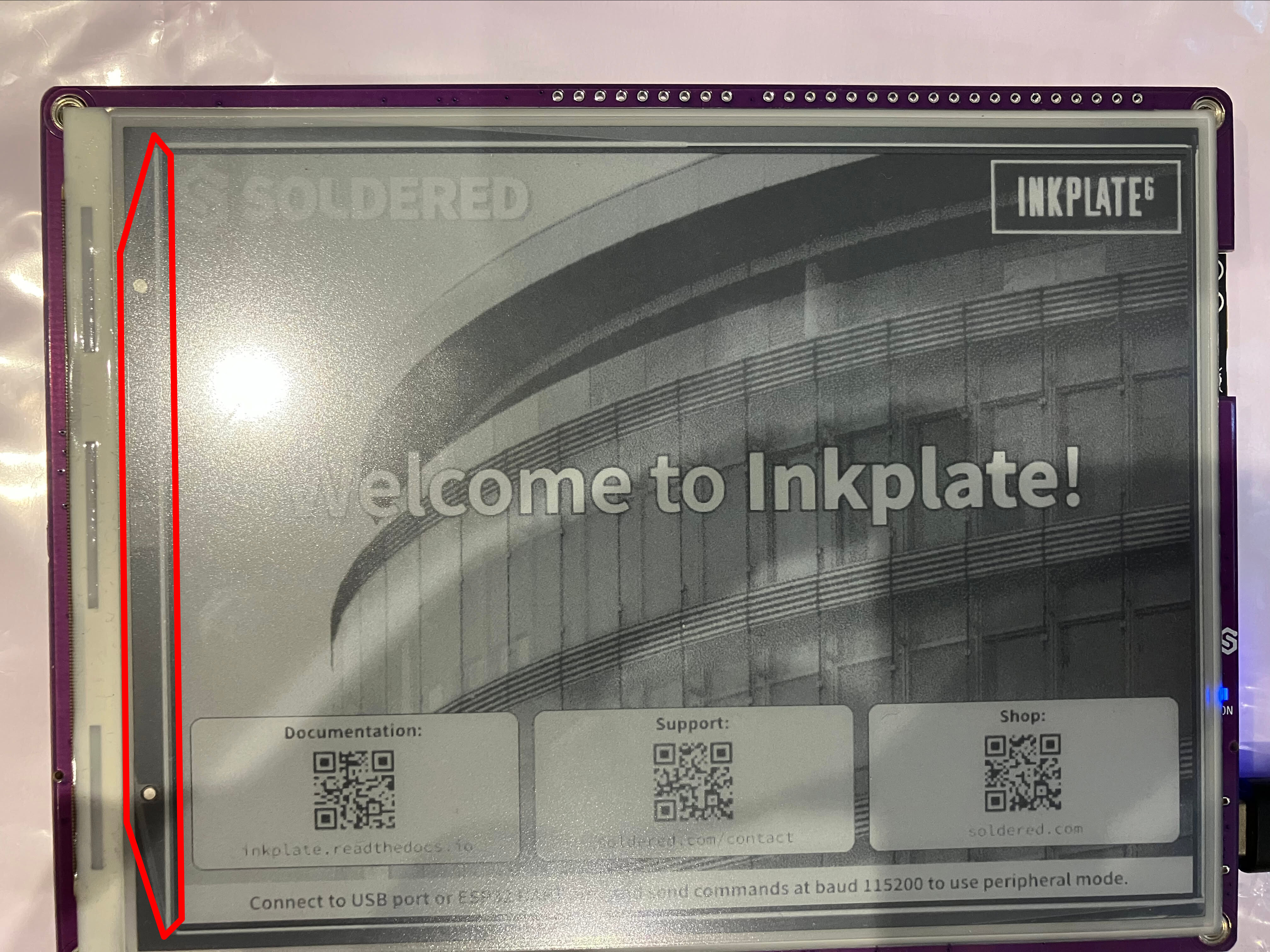
I have recently purchased an Inkplate 6. On the bottom right hand corner of the back of the PCB is a mark of “v1.2.0”.
I started by trying to install Homeplate and when that did not work as the ESP32 could not connect to my home’s WiFi, I tried the Quick start guide.
This did not work either so I then tried to run the Inkplate6_Burn_In_Clean.ino from the examples provided in Arduino IDE. Running this results in the control sections of the panel blinking but the display is not cleared.
I have looked on the forum for similar issues and tried disconnecting and reconnecting the cable to the display on the back. This has not solved the issue.
There is no obvious damage to the PCB or the display panel. The power LED turns on as expected. My phone could connect to the board when it was acting as a WiFi access point when I was trying to configure Homeplate.
I would appreciate if you are able to help me fix this or clarify if the issue is defective hardware.