Hi, is there a way to get bluetooth to work using MicroPython with VSCode. I use the “Inkplate 6 COLOR” and couldn’t find a module available.
Thanks
Hi, is there a way to get bluetooth to work using MicroPython with VSCode. I use the “Inkplate 6 COLOR” and couldn’t find a module available.
Thanks
Hi @sagaterial3
For Bluetooth you would use the regular python bluetooth library, it’s not Inkplate specific. Below is a simple example showing that.
"""Basic BLE example for Inkplate 6COLOR.
Advertises as "Inkplate6COLOR" and exposes one write-only GATT
characteristic. Whatever text a BLE central (e.g. nRF Connect app)
writes to it gets shown on the e-paper screen.
"""

import time

import bluetooth
from micropython import const

from inkplate6_color import Inkplate

_IRQ_CENTRAL_CONNECT = const(1)
_IRQ_CENTRAL_DISCONNECT = const(2)
_IRQ_GATTS_WRITE = const(3)

_TEXT_CHAR = (
    bluetooth.UUID("00002a56-0000-1000-8000-00805f9b34fb"),
    bluetooth.FLAG_WRITE,
)

_TEXT_SERVICE = (
    bluetooth.UUID("0000181a-0000-1000-8000-00805f9b34fb"),
    (_TEXT_CHAR,),
)

DEVICE_NAME = "Inkplate6COLOR"

def advertising_payload(name):
    payload = bytearray((2, 0x01, 0x06))  # flags: general discoverable, no BR/EDR
    name_bytes = name.encode()
    payload += bytearray((len(name_bytes) + 1, 0x09)) + name_bytes
    return payload

class InkplateBLE:
    def __init__(self, inkplate):
        self.inkplate = inkplate
        self.ble = bluetooth.BLE()
        self.ble.active(True)
        self.ble.irq(self._irq)
        ((self._text_handle,),) = self.ble.gatts_register_services((_TEXT_SERVICE,))
        self._show_status("Advertising as " + DEVICE_NAME)
        self._advertise()

    def _irq(self, event, data):
        if event == _IRQ_CENTRAL_CONNECT:
            self._show_status("BLE central connected")
        elif event == _IRQ_CENTRAL_DISCONNECT:
            self._show_status("Disconnected, re-advertising")
            self._advertise()
        elif event == _IRQ_GATTS_WRITE:
            _, value_handle = data
            if value_handle == self._text_handle:
                raw = self.ble.gatts_read(self._text_handle)
                try:
                    text = raw.decode()
                except UnicodeError:
                    text = repr(raw)
                self._show_status(text)

    def _advertise(self):
        self.ble.gap_advertise(100_000, adv_data=advertising_payload(DEVICE_NAME))

    def _show_status(self, text):
        self.inkplate.clear_display()
        self.inkplate.set_text_size(2)
        self.inkplate.print_text(20, 180, text)
        self.inkplate.display()


inkplate = Inkplate()
inkplate.begin()

ble = InkplateBLE(inkplate)

# IRQ callbacks fire from the BLE stack in the background; keep the script alive.
while True:
    time.sleep(1)
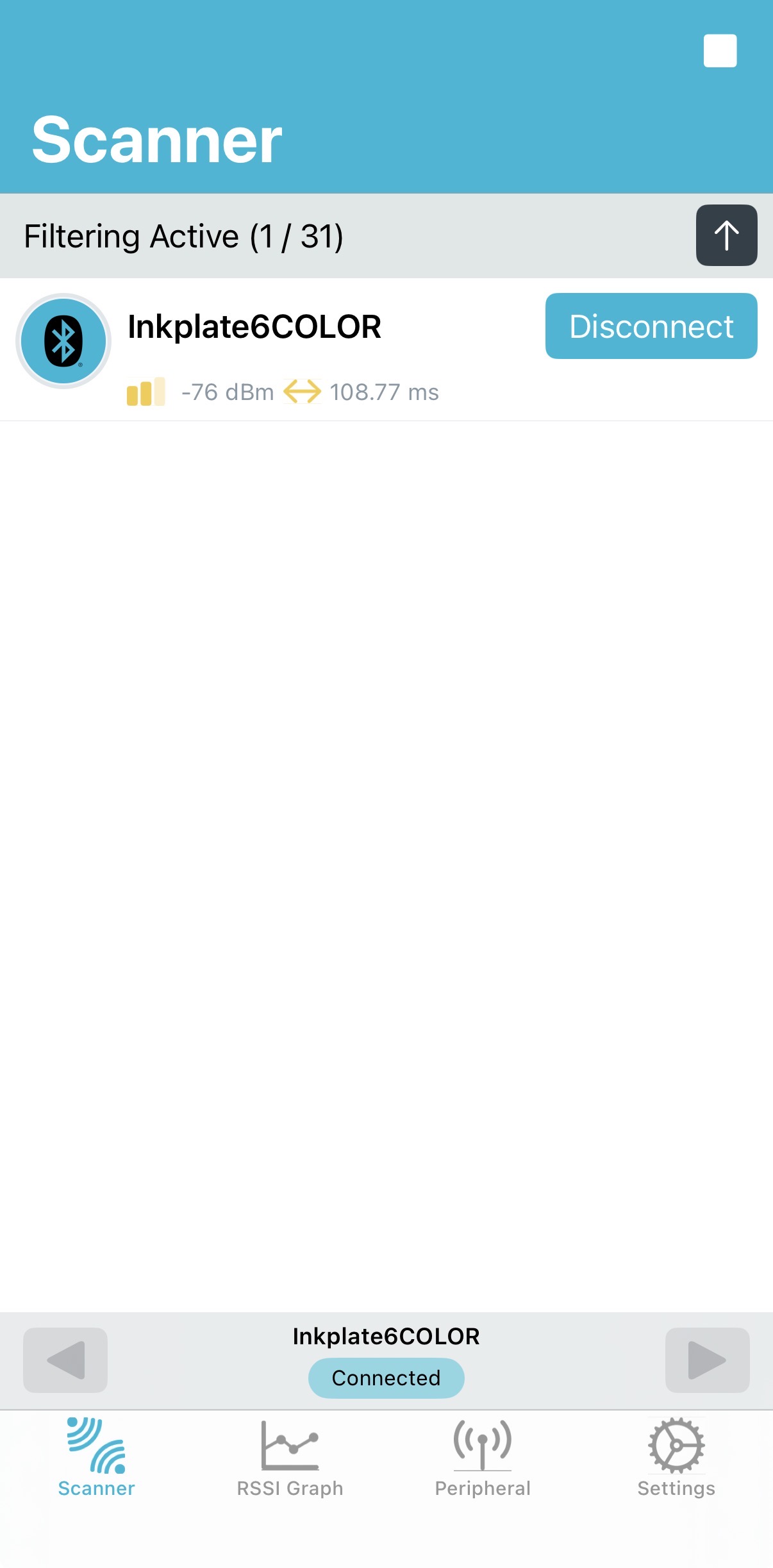
I was then able to connect to it using the nRF Connect app: