Examples not working on 13SPECTRA

Full_Screen_Colors works (after a lot of flickering - I assume that’s normal).
Hello_World works.
Image_Converter works.
Wake_Up_Button works.

Show_Pictures_From_Web (unmodified except for WiFi details) flickers a lot, showing no text.

HTTP_Request displays a weird list (including the SSID of the network I want to connect to) and then nothing.

HTTP_Web_Server works (but again, so much flickering).
WiFi_Connect works.

What am I missing?

Hello,
The HTTP_Request example seems to work as intended, where after displaying all of the wifis available it prints the html data in the form of text onto the screen

The Show_Pictures_From_Web also works on our end, showing a colorful image of the coast.

It seems that you are having issues whenever HTTPS data is being requested over the connection, do you perhaps have a VPN or proxy which could block access to sites such as the example.com and imgur on your network?

The flickering of the screen is just the limitation of the technology, the screen always takes around 20 seconds to refresh. This is not configurable in any way. The E Ink particles need time to settle into the required color.

You can also open the Serial Monitor within the Arduino IDE, in specific examples it shows any info and errors needed to debug specific things.

I highly recommend going through our quick start guide and examples listed in our docs, available here: Inkplate 13SPECTRA - Overview | Soldered Documentation

I don’t have a VPN or proxy, but my internet is cellular. Could that be it?

Okay, testing Show_Pictures_From_Web with Serial Monitor (very helpful, thank you). It saysWiFi OK! Downloading…

Not sure how long I’m supposed to wait.

5 minutes and nothing else has happened.

Similar result with HTTP_Request.

It should be quite quick, 10 seconds at most to fetch the data and start refreshing. Could it be that the cellular network is 5GHz? The onboard ESP32-S3 only supports 2.4GHz WiFi connections

It’s not a WiFi problem.

I just got HTTP_Request working with a local server. So it’s definitely an internet problem.

As for Show_Pictures_From_Web, I just tried opening the example image in a browser, and it shows

I’m in the UK.

Trying with a VPN just to acquire the image, but I get

{
"data": {
"error": "Imgur is temporarily over capacity. Please try again later."
},
"success": false,
"status": 403
}

Could you attach an image that works?

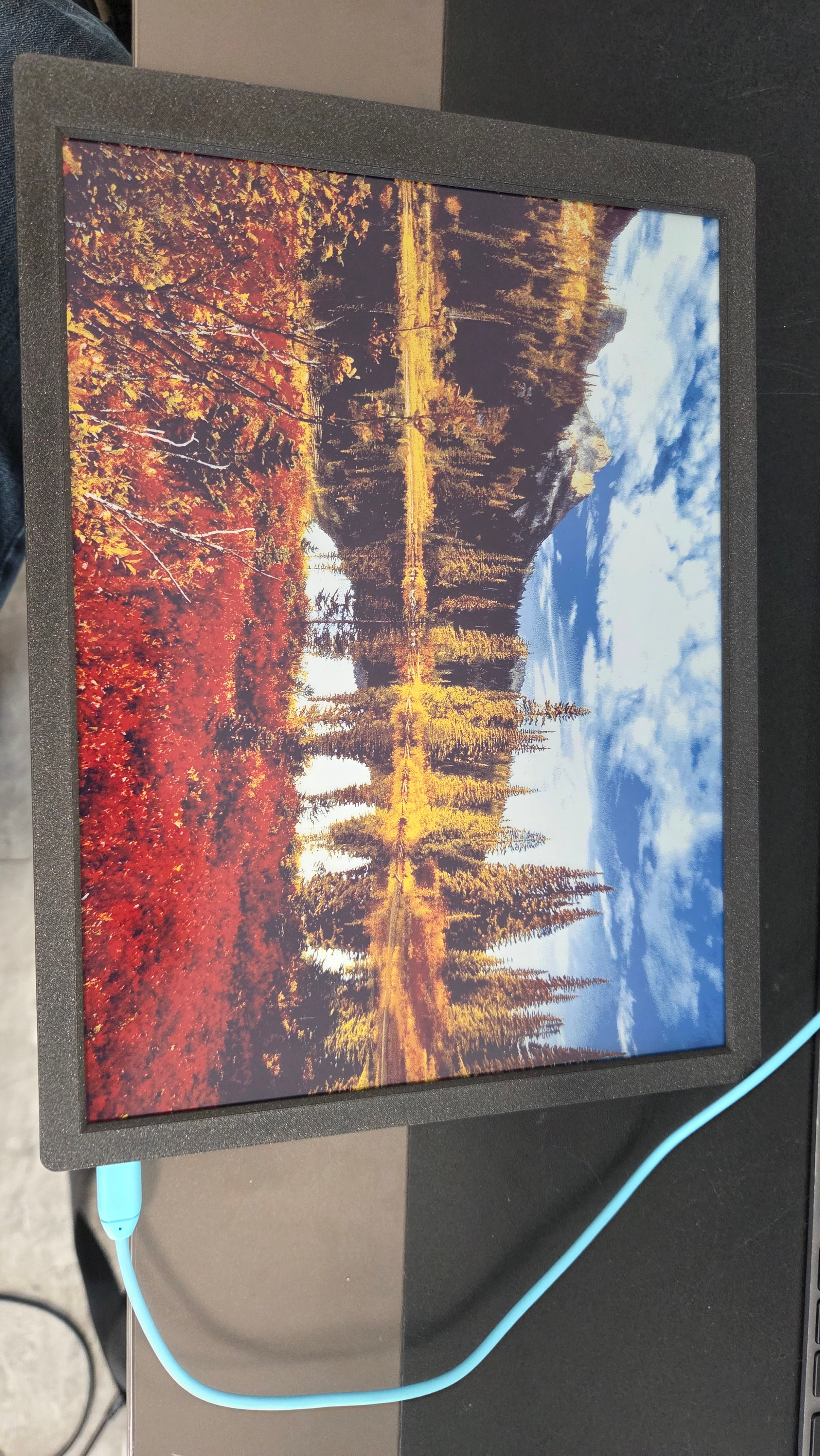
I found the following image on google image search: https://images4.alphacoders.com/104/thumb-1920-10414.jpg

And here is the output:

Could you please try it out and see if it works? I had no idea Imgur had been disabled in the UK.

You can also try any image you find online, right click on it and select “copy image address”, .jpg, .png and .bmp formats are supported within the library

Thanks. My impression from the documentation is that not all images work. Having an image that is supposed to work is a big help.

I can load your image via the image converter tool (a gotcha there is that you have to name the file “image” in the tool (not just rename the file after download) or the example fails), and that’s enough for now.

Show_Pictures_From_Web isn’t working for me, even from a local server. But that could be for any reason. I’m not a sysadmin.

There are more examples I might try when I have proper internet/an SD card reader.

In the meantime, feel free to test HTTP_Request with a mobile hotspot.

Thanks for your help.

Okay, Image_Converter doesn’t work with this image.

Output reads:

A fatal error occurred: Serial data stream stopped: Possible serial noise or corruption.
Failed uploading: uploading error: exit status 2

It works with the image you provided.

Trying again today, with a clearer head…

Show_Pictures_From_Web works with the link you provided. So the reason it didn’t work was Imgur doesn’t work in the UK.

HTTP_Request works. My bad for replacing example.com with my own URL.

Show_Pictures_From_Web works for images that Image_Converter failed to process.

Thank you for everything.