i am working on a prototype for an onboard passenger Information Display for trams (Inkplate 5V2). Besides displaying Information about the Route and Timetable, I also want it to show pictures from time to time.
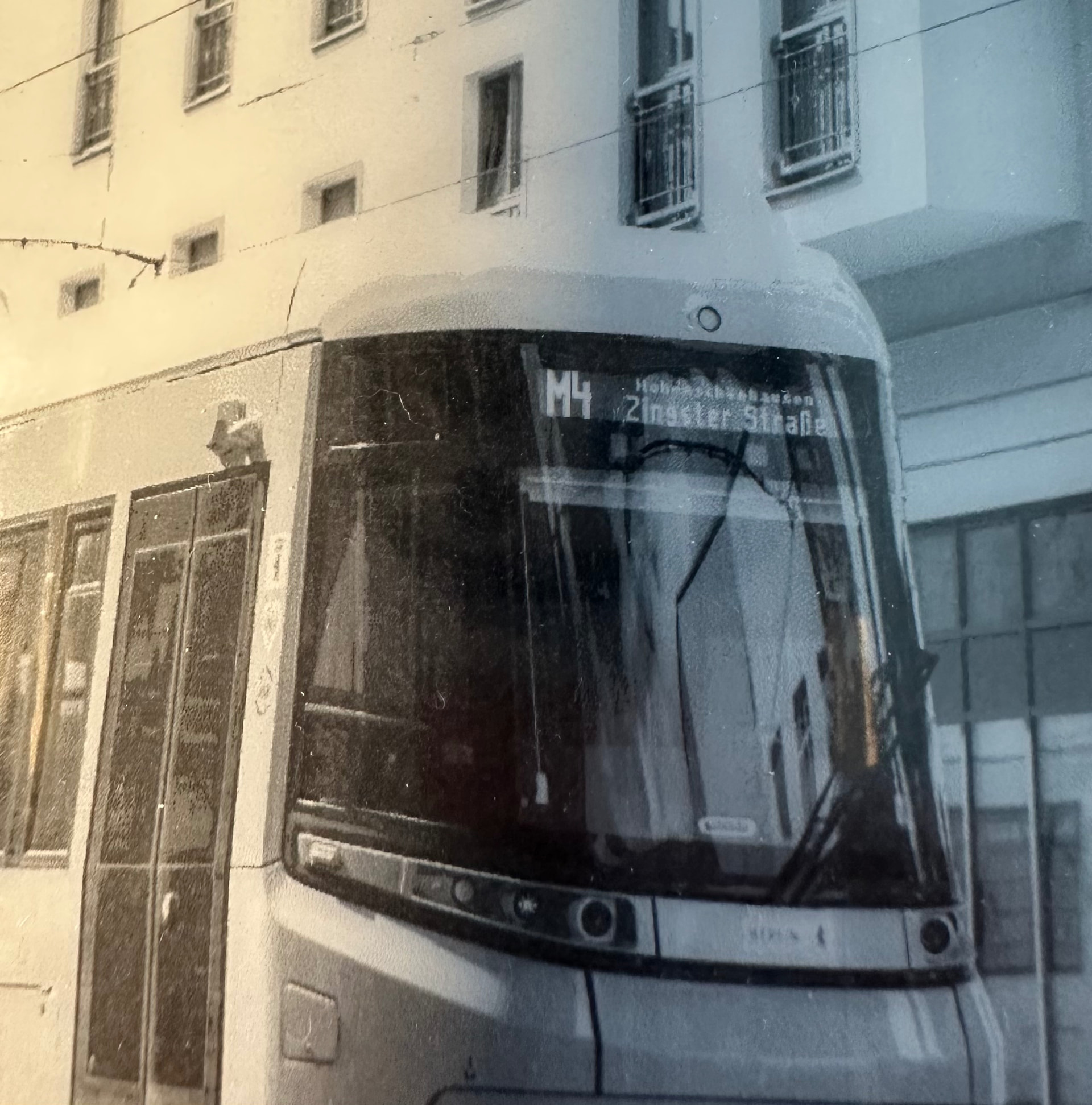
Therefore I tested the different options to display images and encountered the following problem: When displaying an image converted by your Online Image Converter directly from the Inkplates Flash Memory, the Image quality is really superb. The Dithering works perfectly fine and creates a smooth image. That is sadly not the case when I draw Images from the SD-Card. There the Dithering works, but simply not as smoothly than via the Converter. You find an example attached.
My question therefore is, how can I improve the image Quality when drawing JPGs/PNGs from the SD-Card to match the quality of the Image Converter?
Thank you in Advance for your reply.
Best Regards,
Frieda
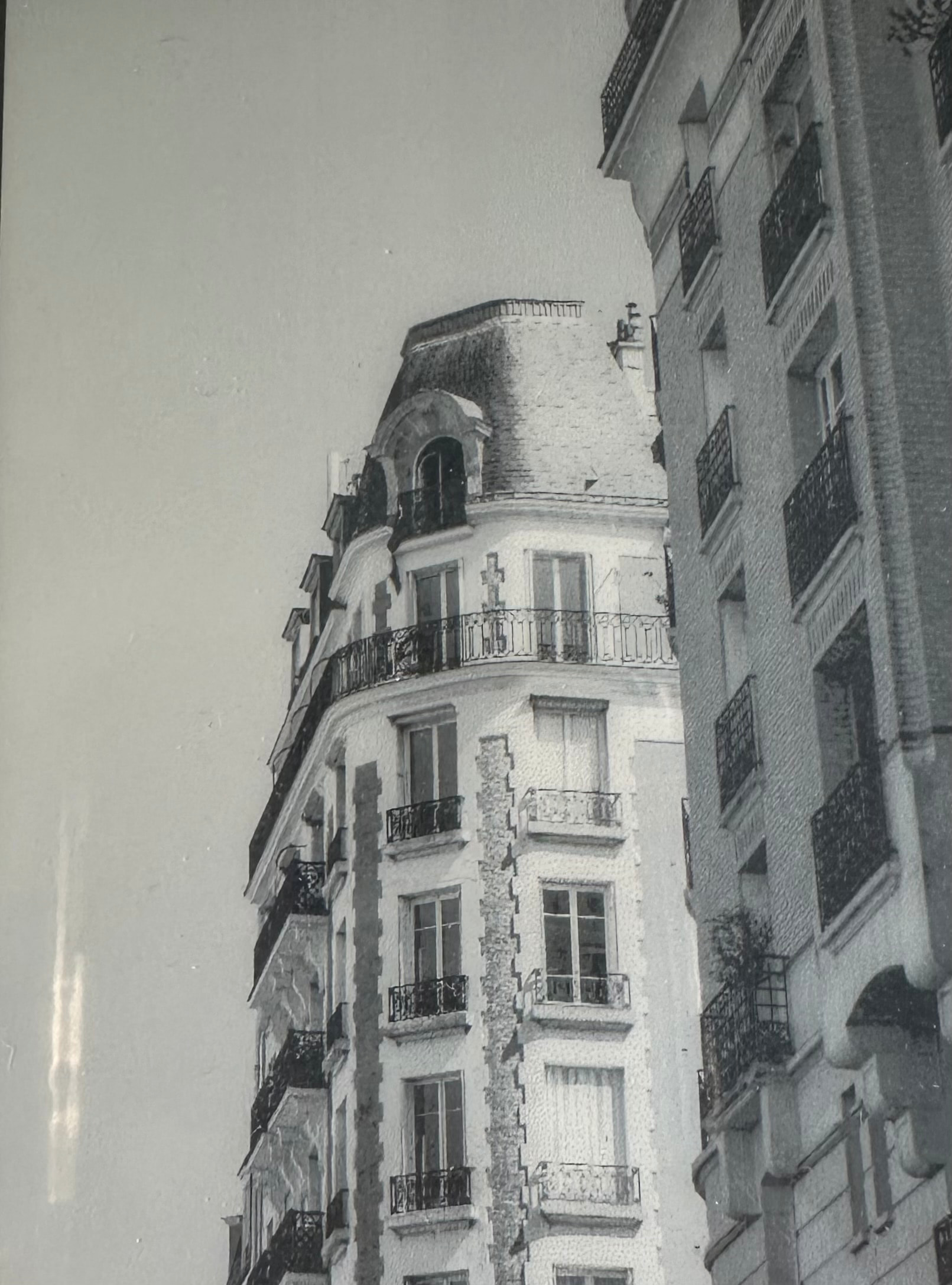
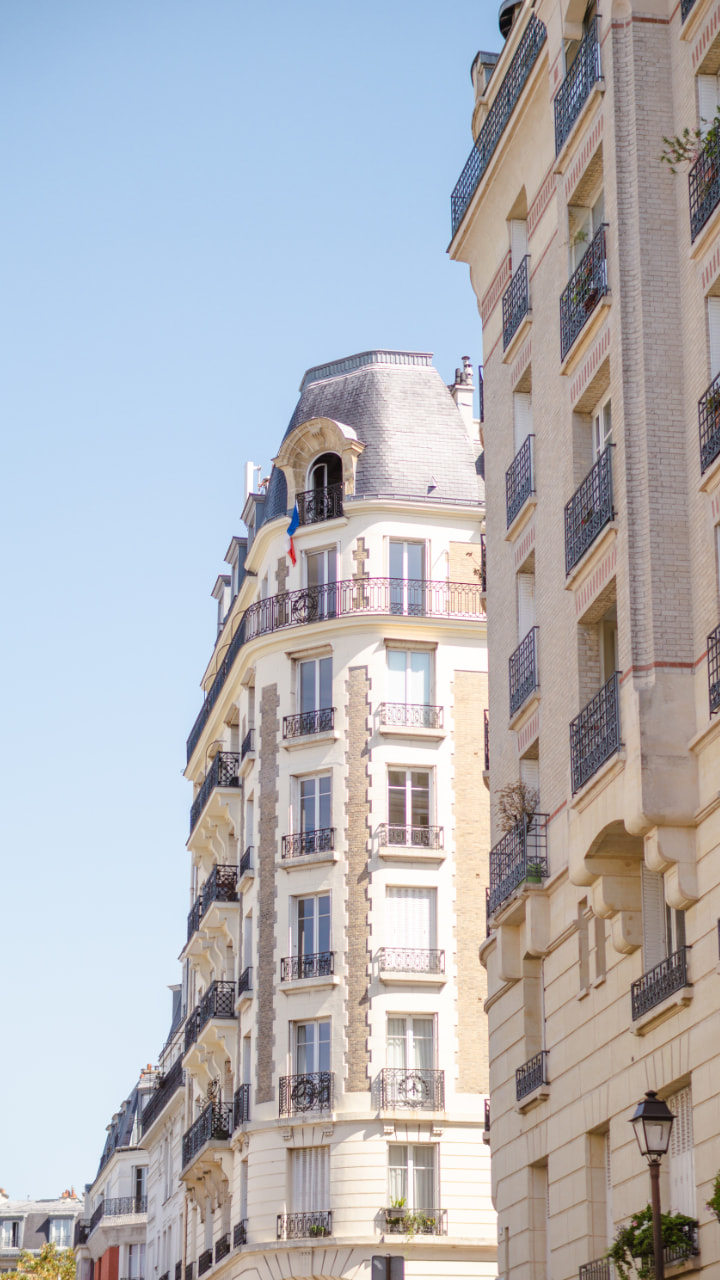
The Image Quality from the SD Card: You can see the harsh contrast/lines on the front of trams roof. The Facade of the house in the background has also very high contrasts.
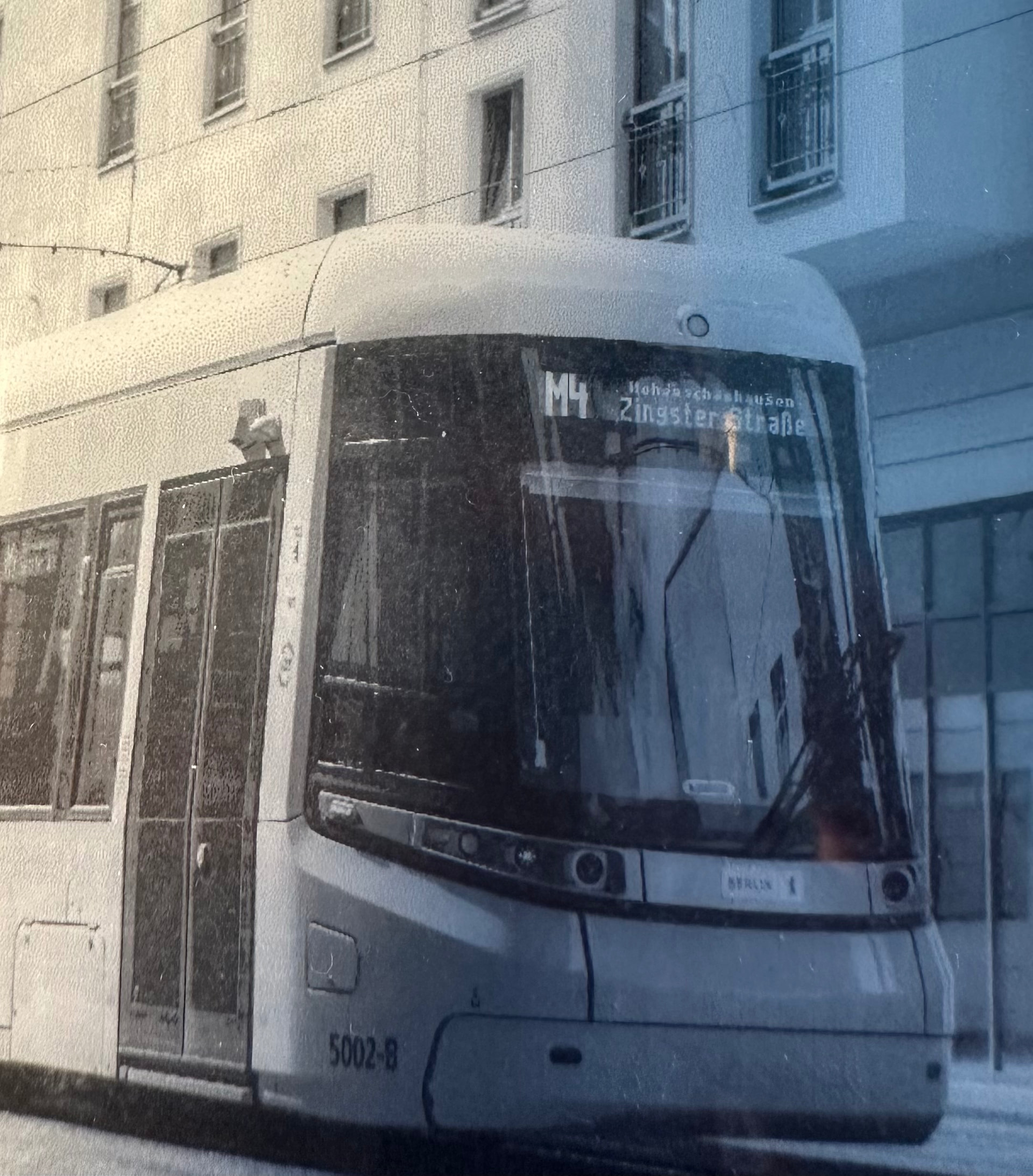
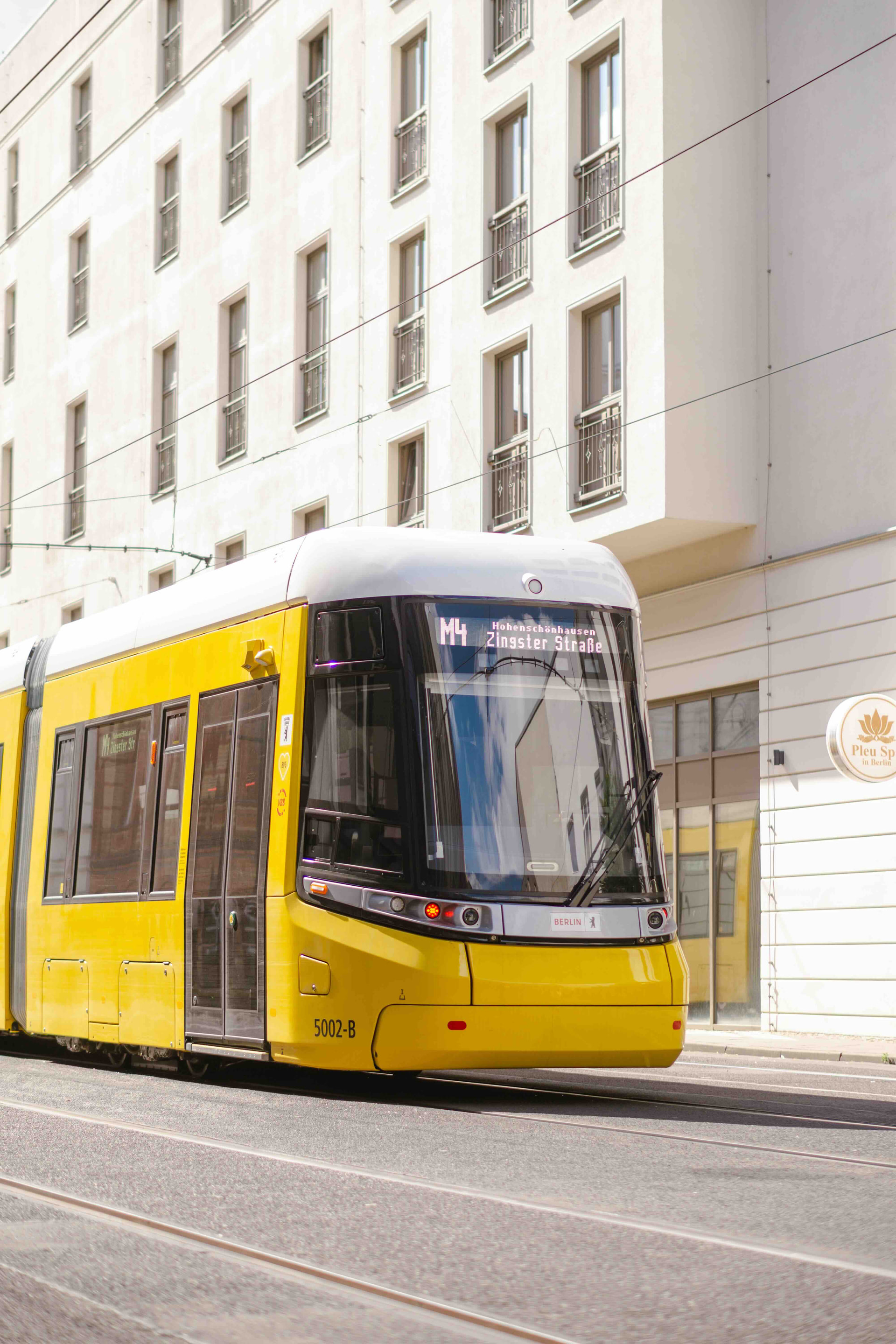
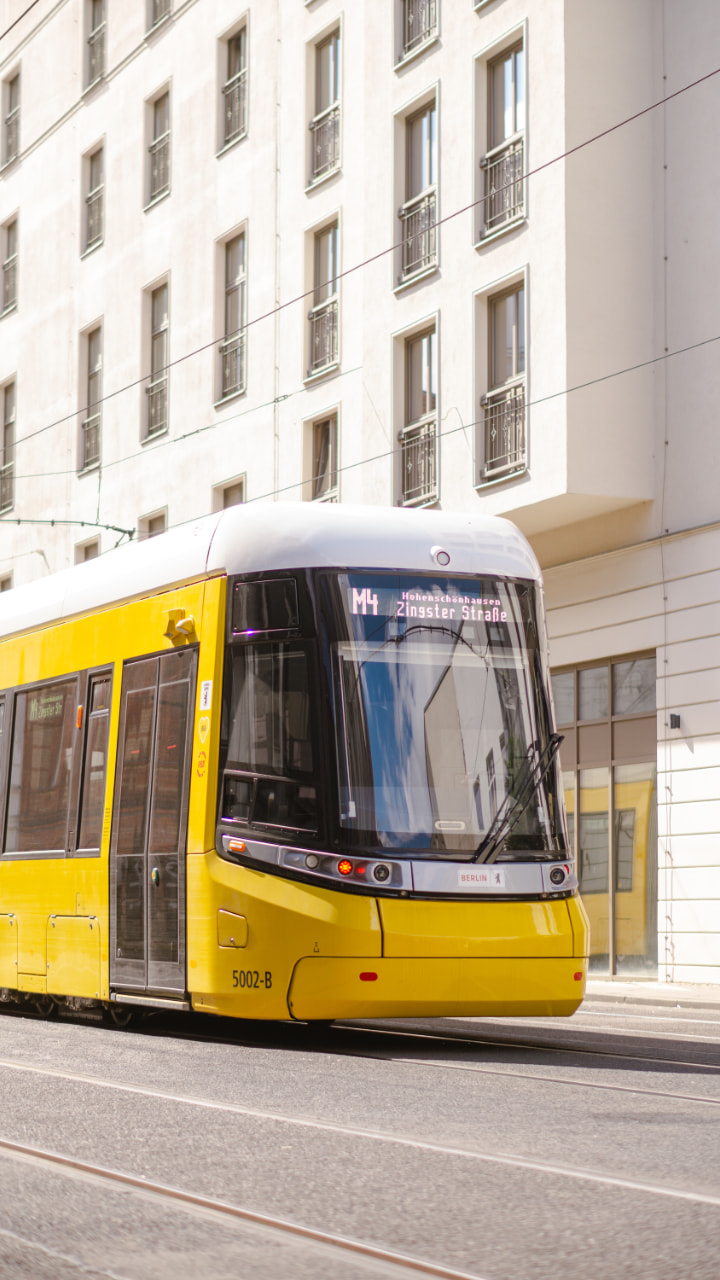
In comparison the same Image from the Soldered Online Converter drawn from the ESP32. You can see the roof of the tram is dithered very smoothly, as is the facade in the background.
Drawing from SD-card runs the dithering directly on ESP32 while the image converter does dithering on the web so the algorithms may differ producing different results. We will look into the algorithms a bit deeper to see if there is any obvious differences and match the ESP dithering to the web one.
In the mean time you could try using a different dithering kernel to see if you get any better results. Attached below is an Arduino sketch demonstrating how to switch kernels.
I have tried the attached Sketch and also made one with a loop to automatically go through all kernels and interestingly, all Kernels look almost the same. The automatic loop and when I use your provided script and change the Kernels manually still lead to the harsh contrasts in the image I have shown above. Right now the Version from the Online Image Converter still looks the best.
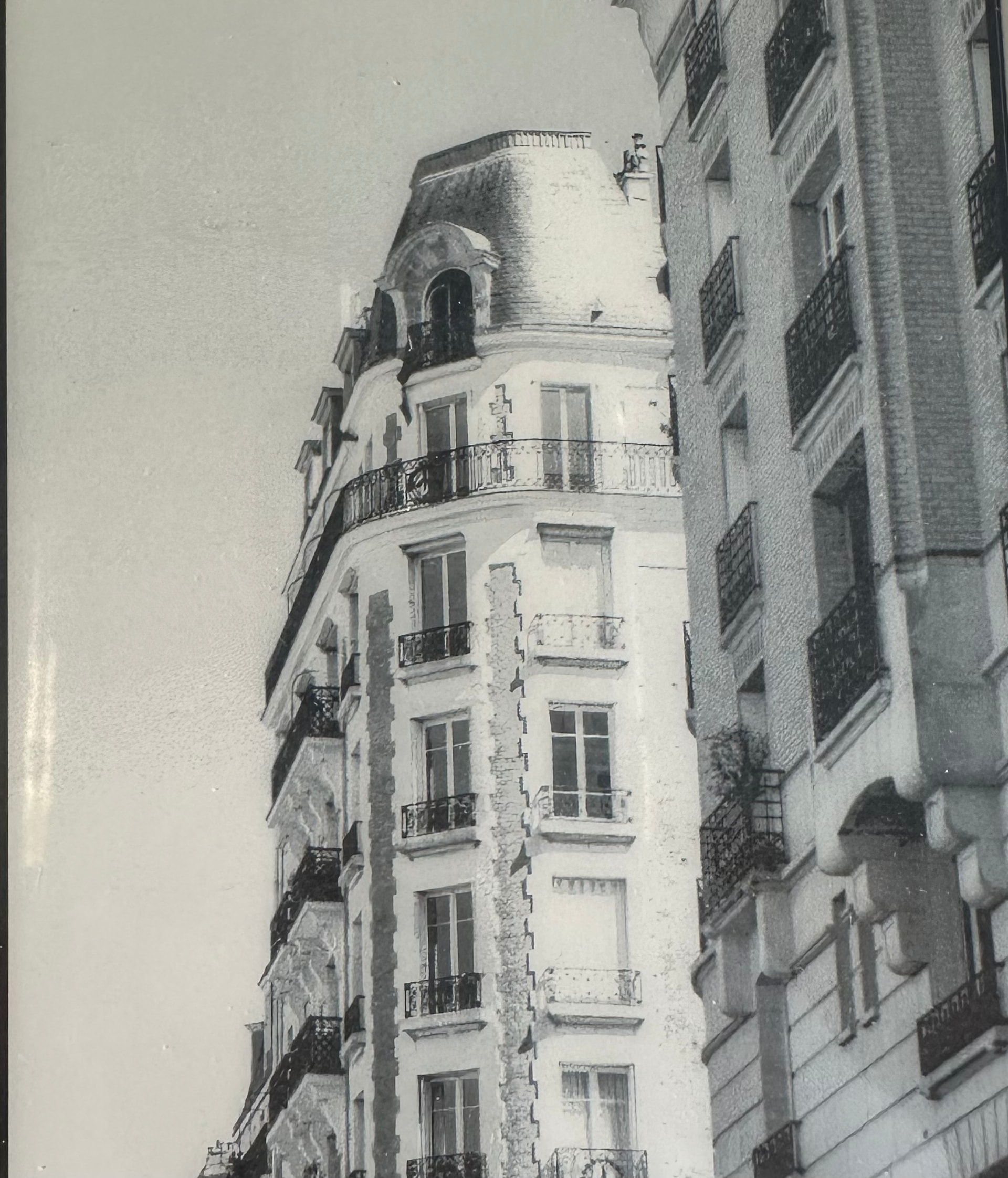
I have attached another example, both dithered with Floyd-Steinberg. First one from SD, second one from Converter. You can see the roof of the building has very harsh contrasts in comparison to the one from the Online Converter.
I get the feeling that the dithering on the ESP somehow raises the exposure on the images.
Could you please send us both source images you have sent into this chat (before they were dithered and grayscaled?). We are currently working on adjusting the dithering algorithm on the ESP, and a great way to do that would be with your images, as they have quite a few points where a faulty algorithm would snap onto white directly!
Now the dither logic follows the converter tools logic, but could you please test it out aswell? If all is good then we will do a release on the main branch next week!
It works . Thank you so much for your help. Now I can go on with my project.
I still have one last Question:
My next step after finishing the small greyscale prototype would be to upgrade to an Inkplate 13 Spectra. Because of the nice color display, I also would want to use it as a Picture Frame for my Photography besides the tram display prototype.
Could there be also Dithering Problems with higher Quality Images from a Camera or was this problem isolated on the 5V2?
And do you maybe have an estimated timeframe when the 13 Spectra will be in your store again?
Thank you again so much for your help. You were so fast on finding a solution and I love the experience with you and your product so far.
The problem was also happening on the color models, and the fix for it will be available in the release today, thank you for bringing it to our attention!
Also, the color dithering is where the dither kernels make a LOT of difference. There is always a tradeoff between if the image should be vibrant and not the most accurate, or if it should be very accurate, but dull. This largely depends on what image is being shown, and it is up to the user to find the best of both worlds by trying out all supported dither kernels.
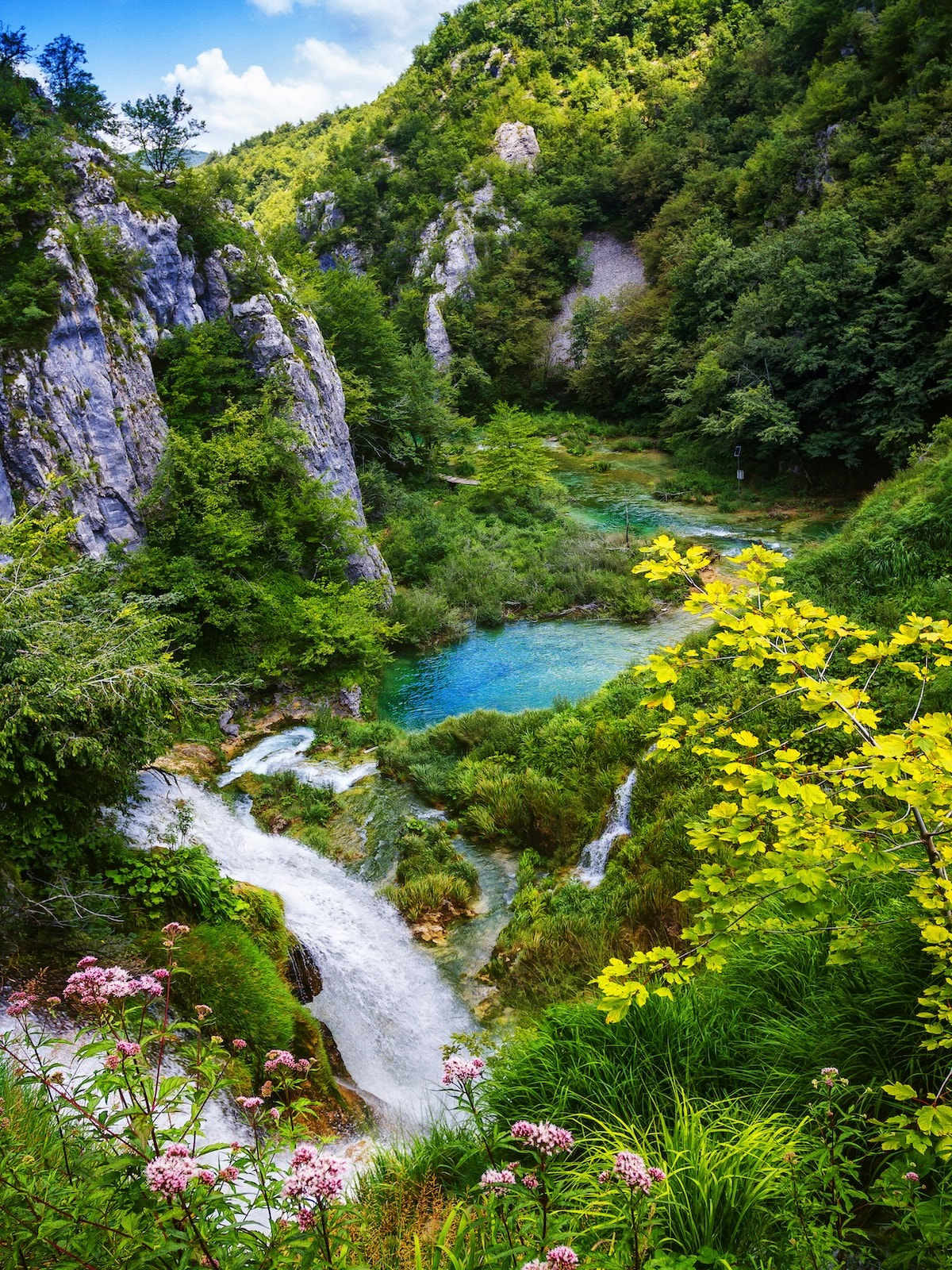
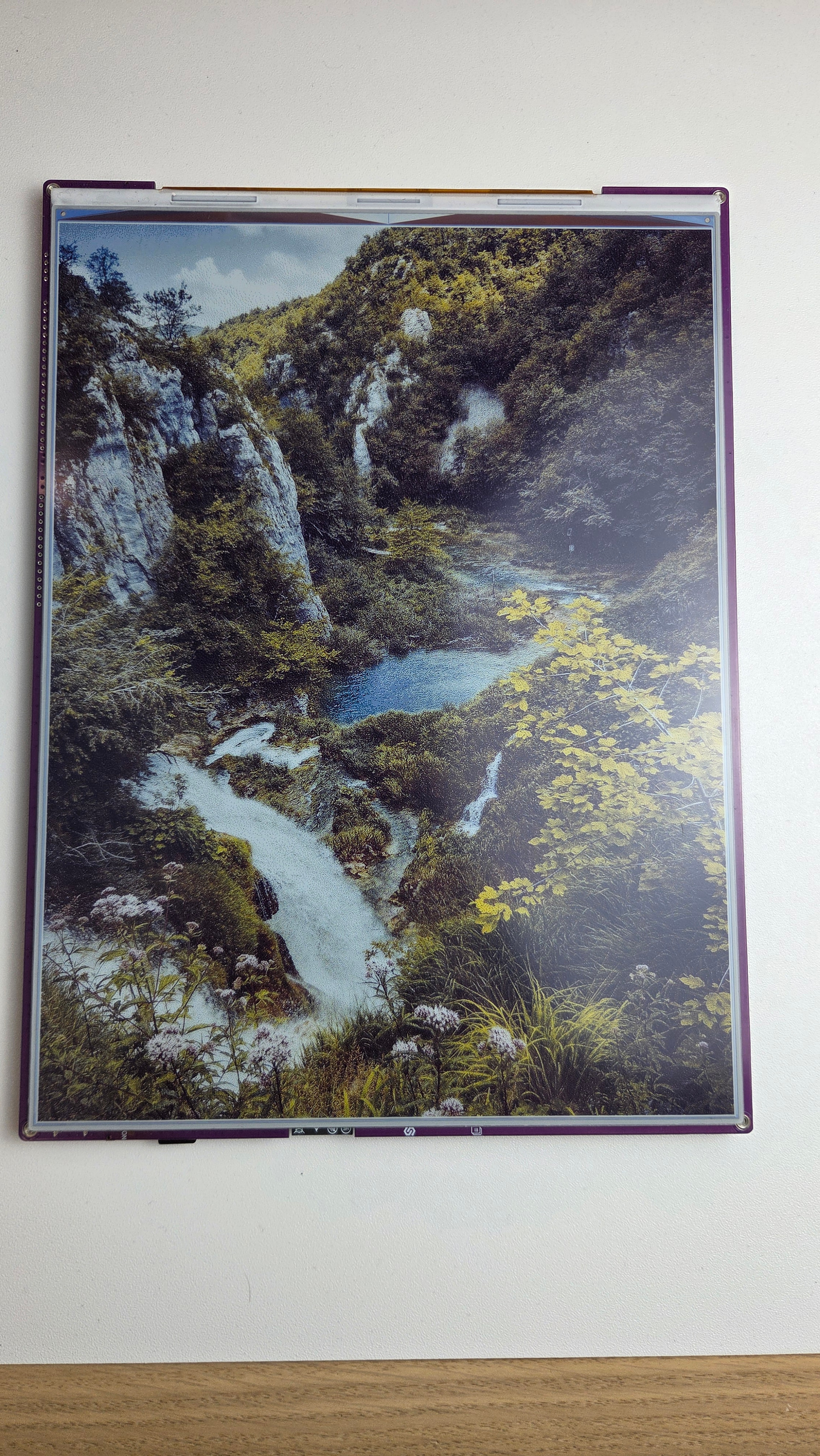
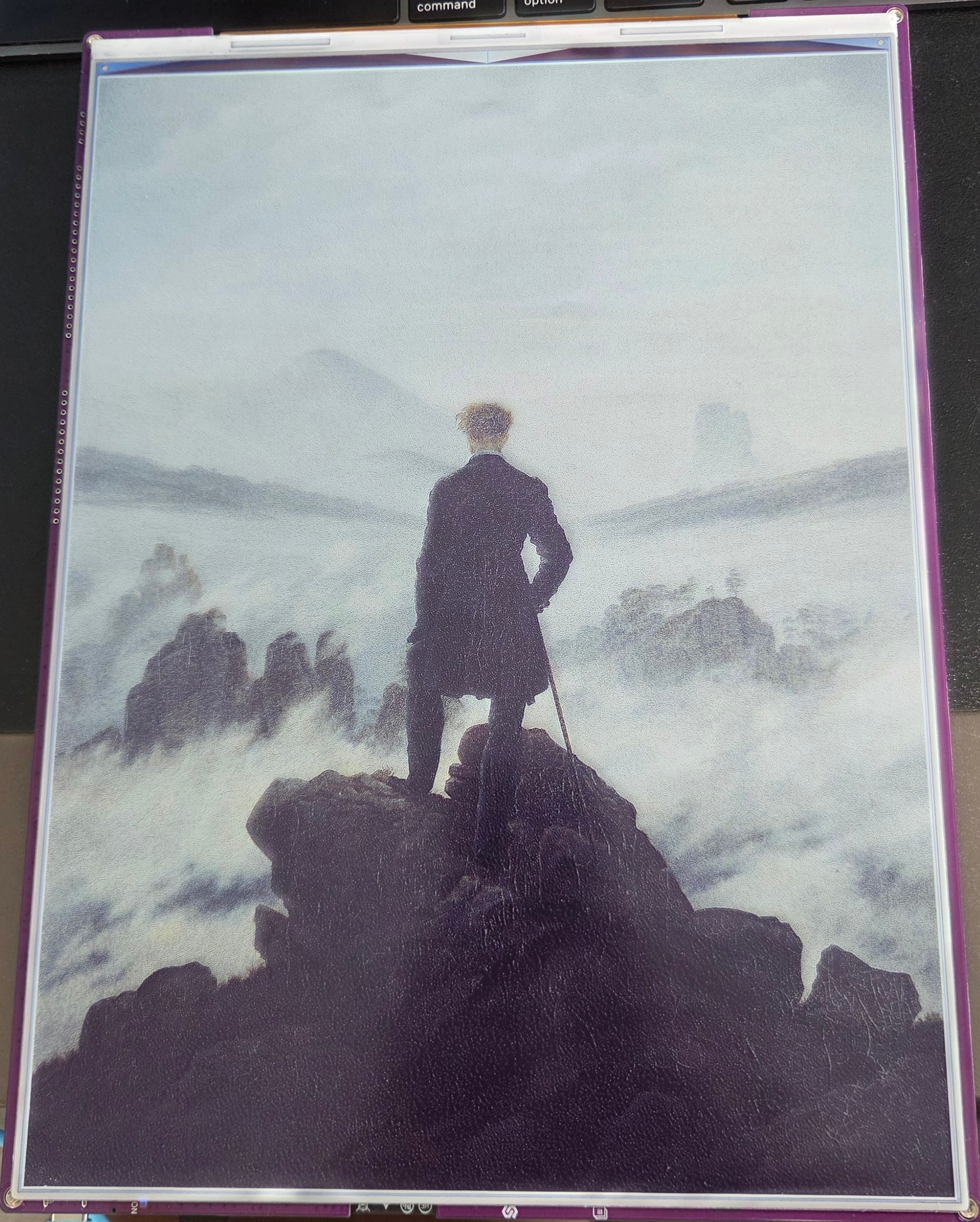
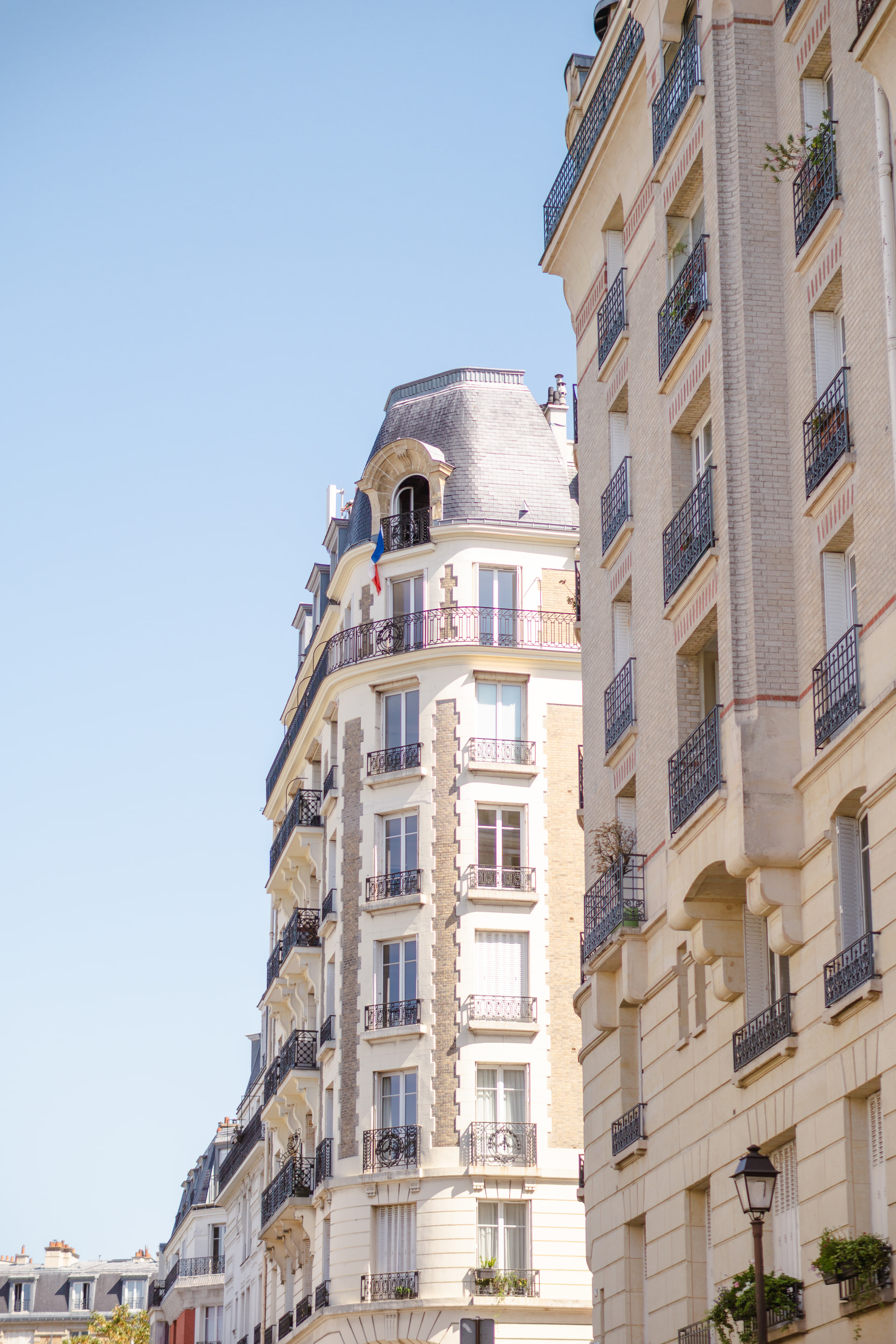
We will also further improve the algorithm in the near future by calculating the real world shade of colors the panel has, for that we are waiting on a colorimeter and this will be available in a few weeks. I am attaching a few images below which shows how the image dithers compared to the original:
thank you so much for your detailed explanation on color dithering and also the Hi-Res Comparison Images from the 13 Spectra. This gives me a clear idea of what I can expect from this display. It is also very nice to hear that you are trying to improve the color dithering even further. I am very happy to see what’s coming.
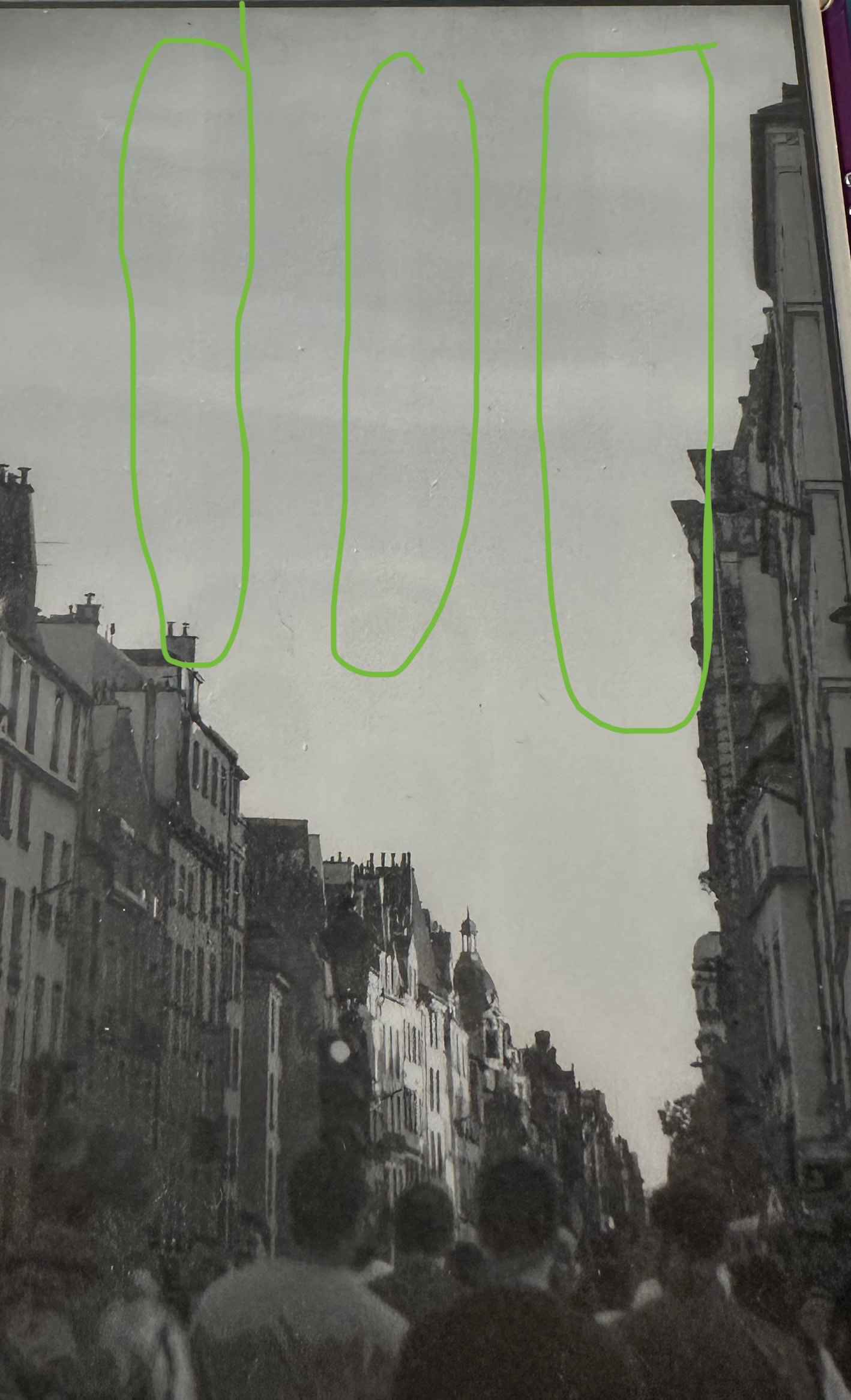
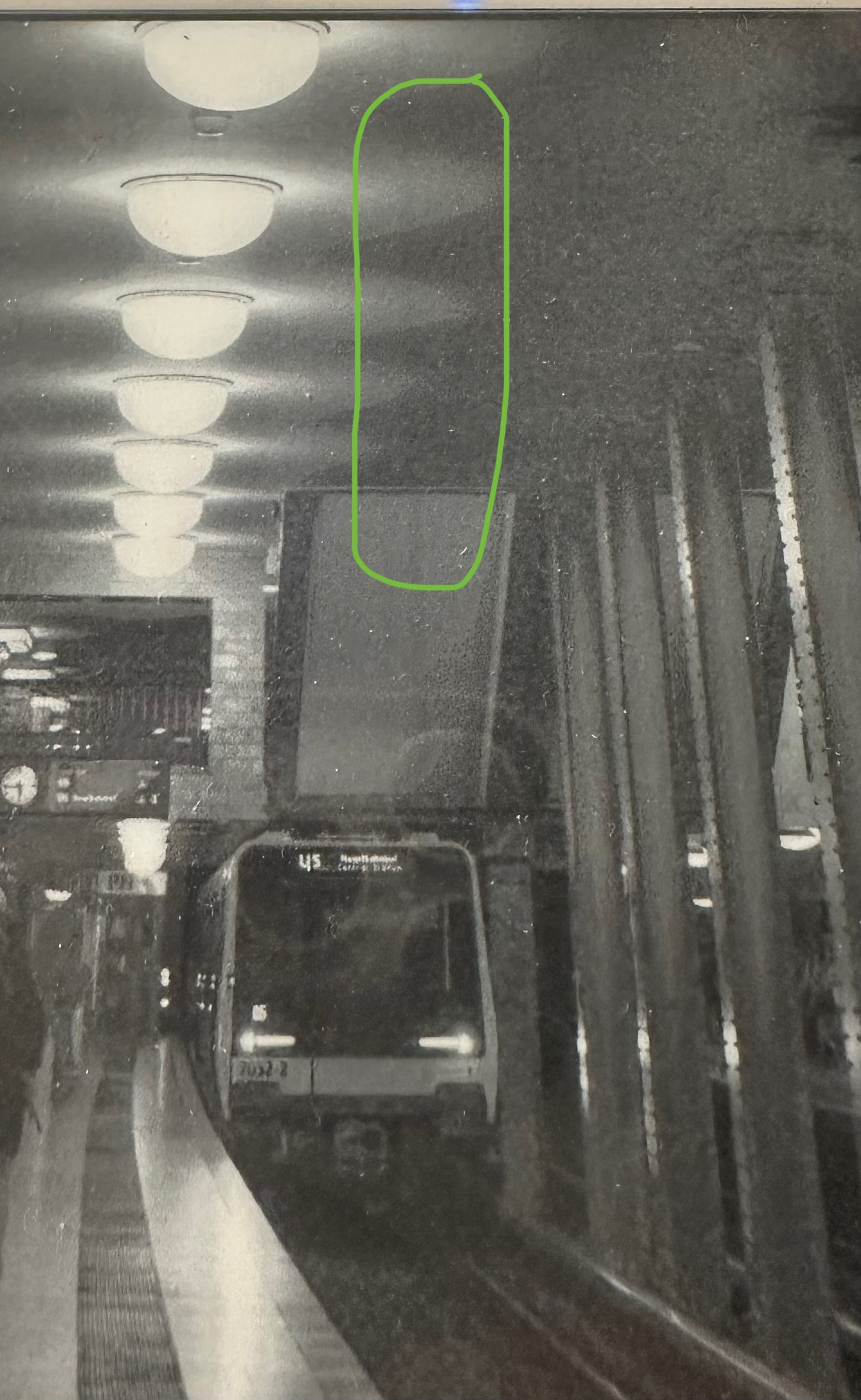
When I was working on my project over the past days, I have stumbled over some horizontal lines on my 5V2. Whether I am working on my Information System with direct colors or looking at dithered images, these lines appear in some Instances.
I marked them on the photos.
Is this a normal behavior? Because while they do not bother me, I just want to make sure that’s not the beginning of a degrading problem.
 . Thank you so much for your help. Now I can go on with my project.