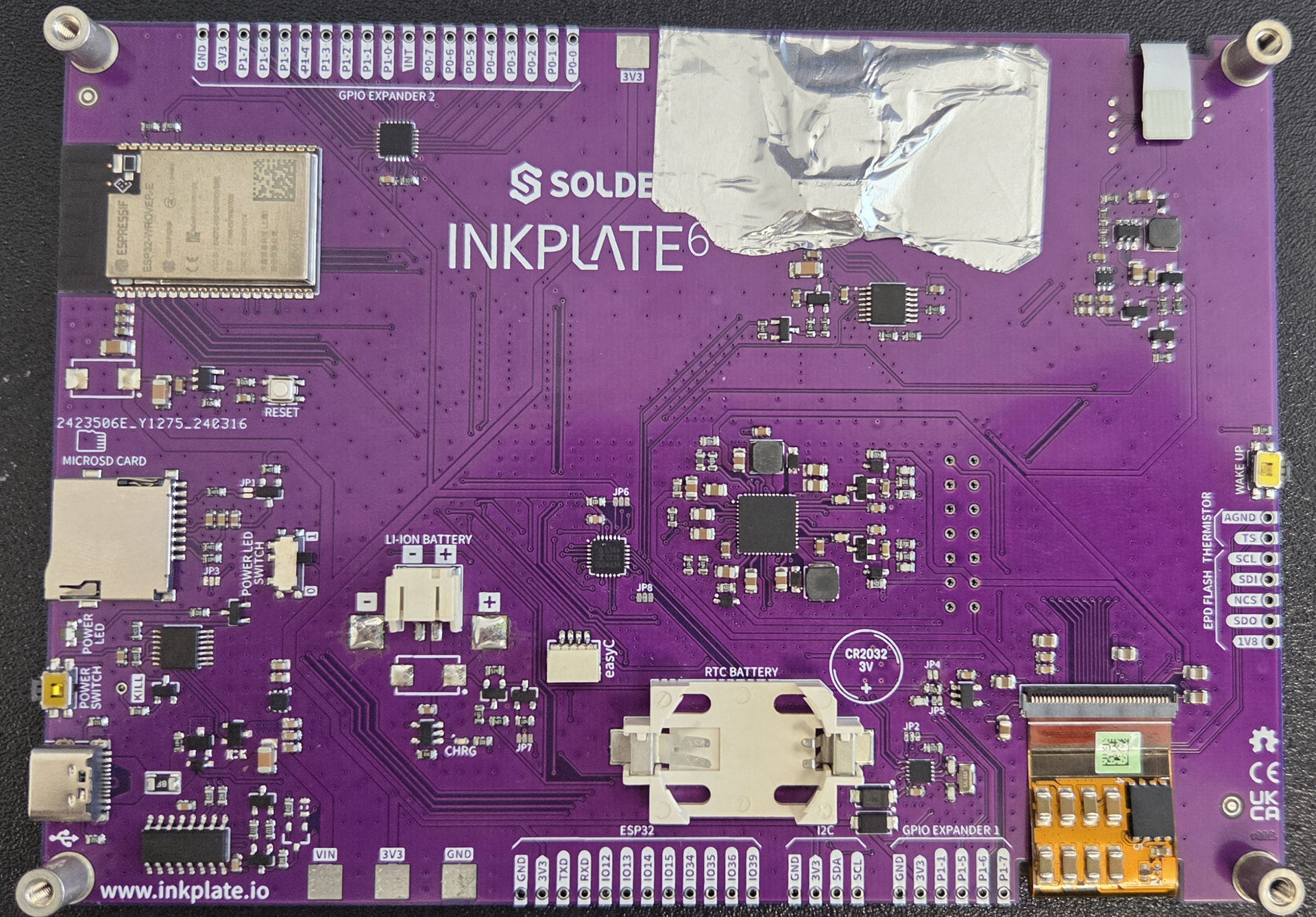
I bought an inkplate 6 flick about ~4 months ago. It worked mostly fine, though I did notice it seemed to fail to initialise if I was touching the screen on startup. Not a huge deal. Had some fun using it, but didn’t get the time to develop a full app. However, I then left it alone for a few months and came back to it, and suddenly it wouldn’t initialise anymore. (It would flash once to ‘clearDisplay’ but then would cease.) I thought, “ok, maybe I left it with a bad upload” and uploaded the example sketch to it (ebook project, and touchscreen draw). It still wouldn’t initialise. I checked the serial monitor and it kept saying ‘Touch init failed’.
I did a tiny bit of debugging and found the ‘tsSetSysInfoMode’ method would fail inside the init function. Specifically here:
‘’’
// Check TTS version. If is zero, something went wrong.
if (!_sysDataPtr->tts_verh && !_sysDataPtr->tts_verl)
{
return false;
}
‘’’
I’m not sure what to do about this, and don’t see why it would have stopped working after not being used for some time.