Customer:
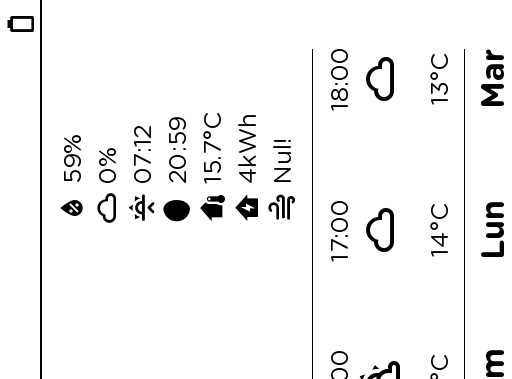
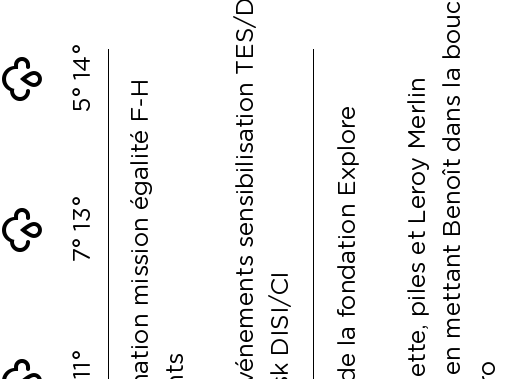
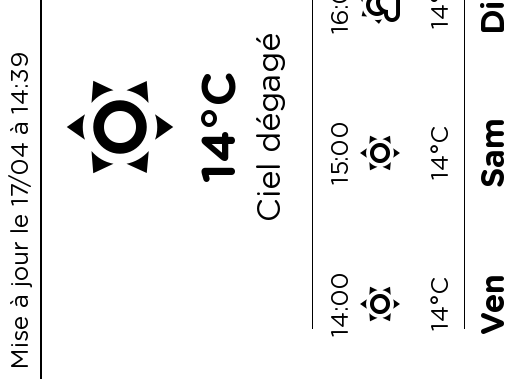
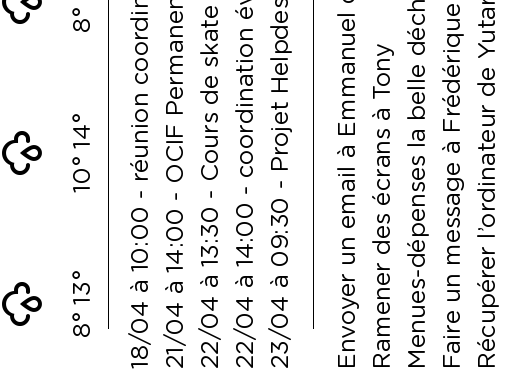
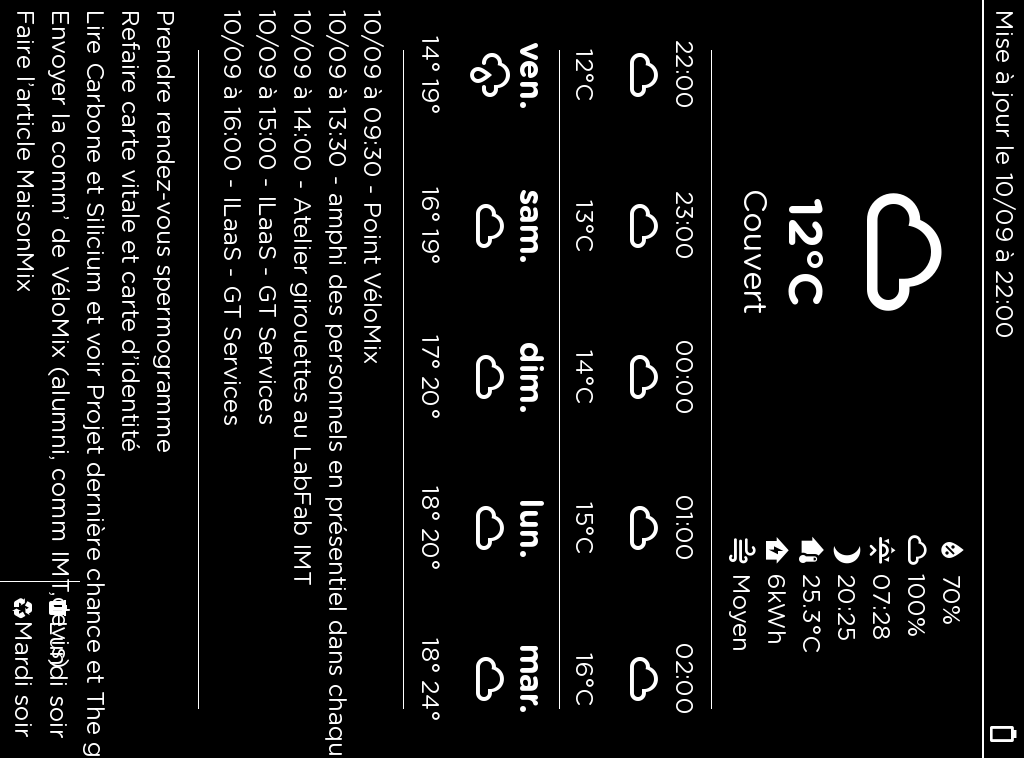
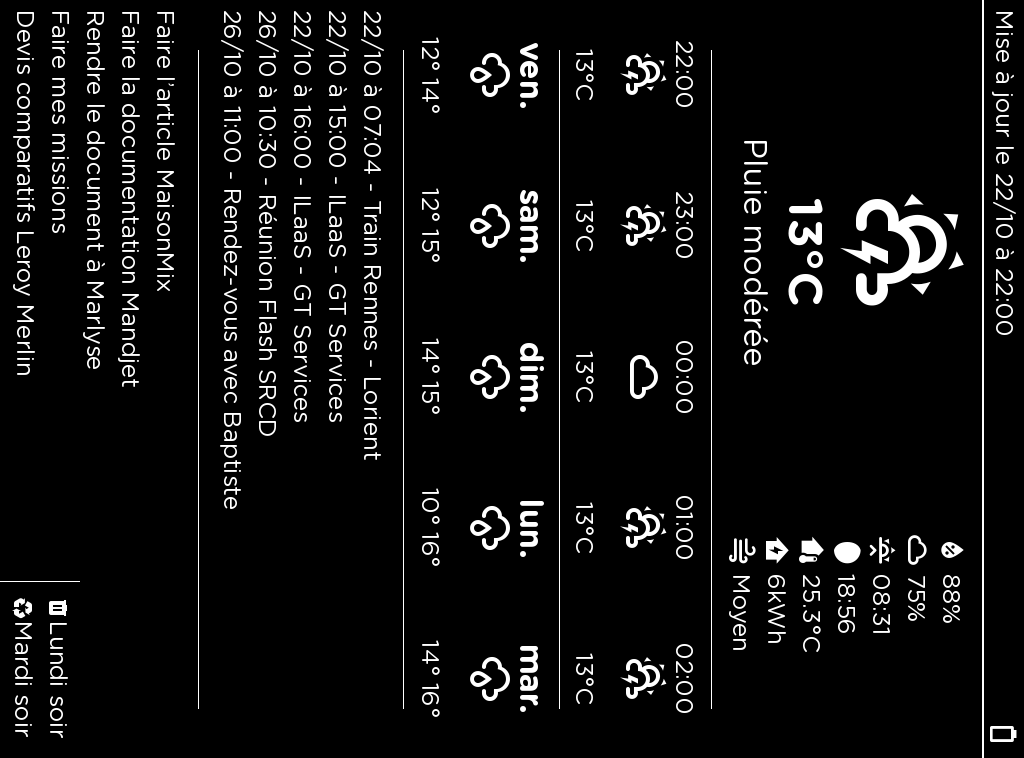
I’ve been testing various Inkplate devices and I’m struggling with the Inkplate_6_Motion_Image_From_Web.ino example using this image: https://epd.lenuage.io/boites/6641ee9d-5b60-47f0-9da2-2485a3adfad8/screen.png
I’m getting error 7 every time, even though the amount of data downloaded appears correct. The same error occurs with jpg and bmp files, though the error codes differ.
Originally submitted via email support on 14 April 2025. Migrated to the forum for community visibility.
Soldered Support:
The issue is related to the esp-at firmware on the ESP32. When downloading larger files, the ESP32 corrupts the header of the transferred data, which then causes errors in the .jpg, .png or .bmp decoder.
This is a known issue: .jpg file downloads with wrong header and file size · Issue #884 · espressif/esp-at · GitHub
As a temporary workaround, you can split the image into 4 parts on the server and draw them individually. As a permanent solution, we will investigate whether our library can handle the image decode error more gracefully.
Customer:
I tried splitting the 1024×758px image into four parts and testing all three formats (.bmp, .png, and .jpg), but I’m still getting the same errors.
Here are the links to the split images if your team wants to test them:
(You can replace the file extensions with .bmp or .jpg to test those formats.)
Customer:
I found a workaround that may help your team. Since my bitmaps are server-generated using Python Pillow, I’m creating a raw 4-bit/pixel array: https://epd.lenuage.io/boites/6641ee9d-5b60-47f0-9da2-2485a3adfad8/screen
Then from the Inkplate, I download the bytes, unpack them, load them, and display the whole image:
if (client.available()) {
  incomingByte = client.read();
  bytesRead++;

  // Extract the two pixels (4 bits each)
  firstPixel = (incomingByte >> 4) & 0x0F;  // high 4 bits
  secondPixel = incomingByte & 0x0F;        // low 4 bits

  // Use grayscale levels (0-15) directly as colors
  inkplate.drawPixel(x, y, firstPixel);
  x++;
  if (x >= width) {
    x = 0;
    y++;
  }

  inkplate.drawPixel(x, y, secondPixel);
  x++;
  if (x >= width) {
    x = 0;
    y++;
  }

  if (bytesRead % 1000 == 0) {
    Serial.print("Progression: ");
    Serial.print(bytesRead * 100 / totalBytes);
    Serial.println("%");
  }
}
Serial.println("Téléchargement de l'image terminé!");
This works perfectly.
Original message (French)
I just found a workaround that may help your team work next week. Since my bitmaps are server generated using python pillow, I’m making the a raw 4bits/pixel array you can find here: https://epd.lenuage.io/boites/6641ee9d-5b60-47f0-9da2-2485a3adfad8/screen
Then, from the Inkplate, I’m downloading those bytes, unpack them, load them up and finally display the whole image:
// Si des données sont disponibles, les lire if (client.available()) { incomingByte = client.read(); bytesRead++; // Extraire les deux pixels (4 bits chacun) firstPixel = (incomingByte >> 4) & 0x0F; // 4 bits de poids fort secondPixel = incomingByte & 0x0F; // 4 bits de poids faible // Utiliser directement les niveaux de gris (0-15) comme couleurs // Vous pouvez adapter cette partie selon vos besoins spécifiques d’affichage inkplate.drawPixel(x, y, firstPixel); // Incrémenter la position x x++; if (x >= width) { x = 0; y++; } // Dessiner le second pixel inkplate.drawPixel(x, y, secondPixel); // Incrémenter la position x pour le prochain cycle x++; if (x >= width) { x = 0; y++; } // Afficher l’avancement toutes les 1000 octets (optionnel) if (bytesRead % 1000 == 0) { Serial.print(“Progression: “); Serial.print(bytesRead * 100 / totalBytes); Serial.println(”%”); } } } Serial.println(“Téléchargement de l’image terminé!”);
(please find the arduino sketch enclosed).
Works like a charm 
Have a good week-end,
–[name removed]
Attachment omitted in migration: Inkplate_6_Motion_Bitmap_From_Web.ino
Soldered Support:
Your solution with raw bytes is a good workaround, but our goal is to have image drawing on Inkplate MOTION work natively from within the library.
Soldered Support:
Good news! We’ve increased the buffer size in the library. Please download from the dev branch: GitHub - SolderedElectronics/Inkplate_Motion_Arduino_Library at dev · GitHub
The images from your URLs now work correctly.