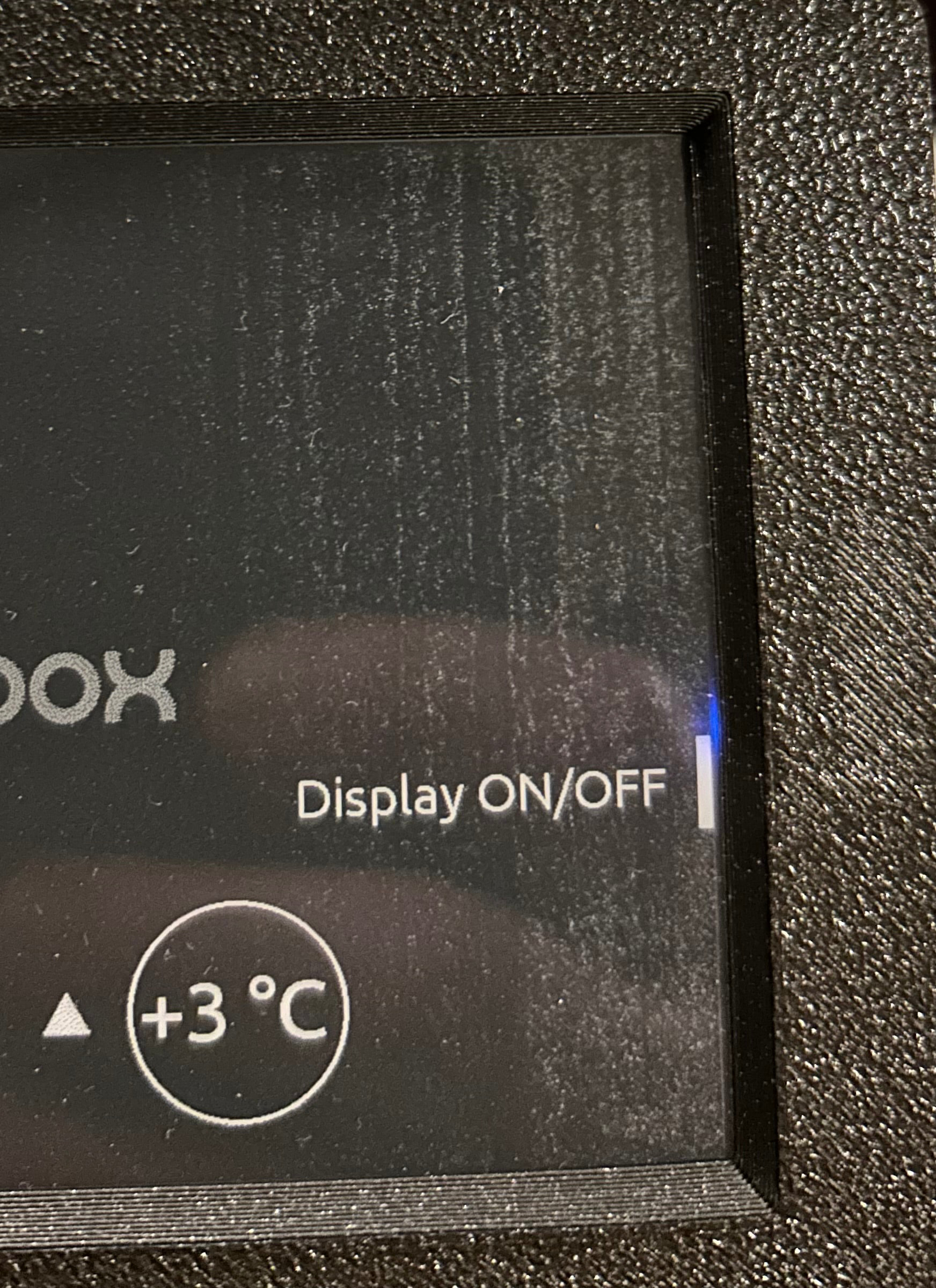
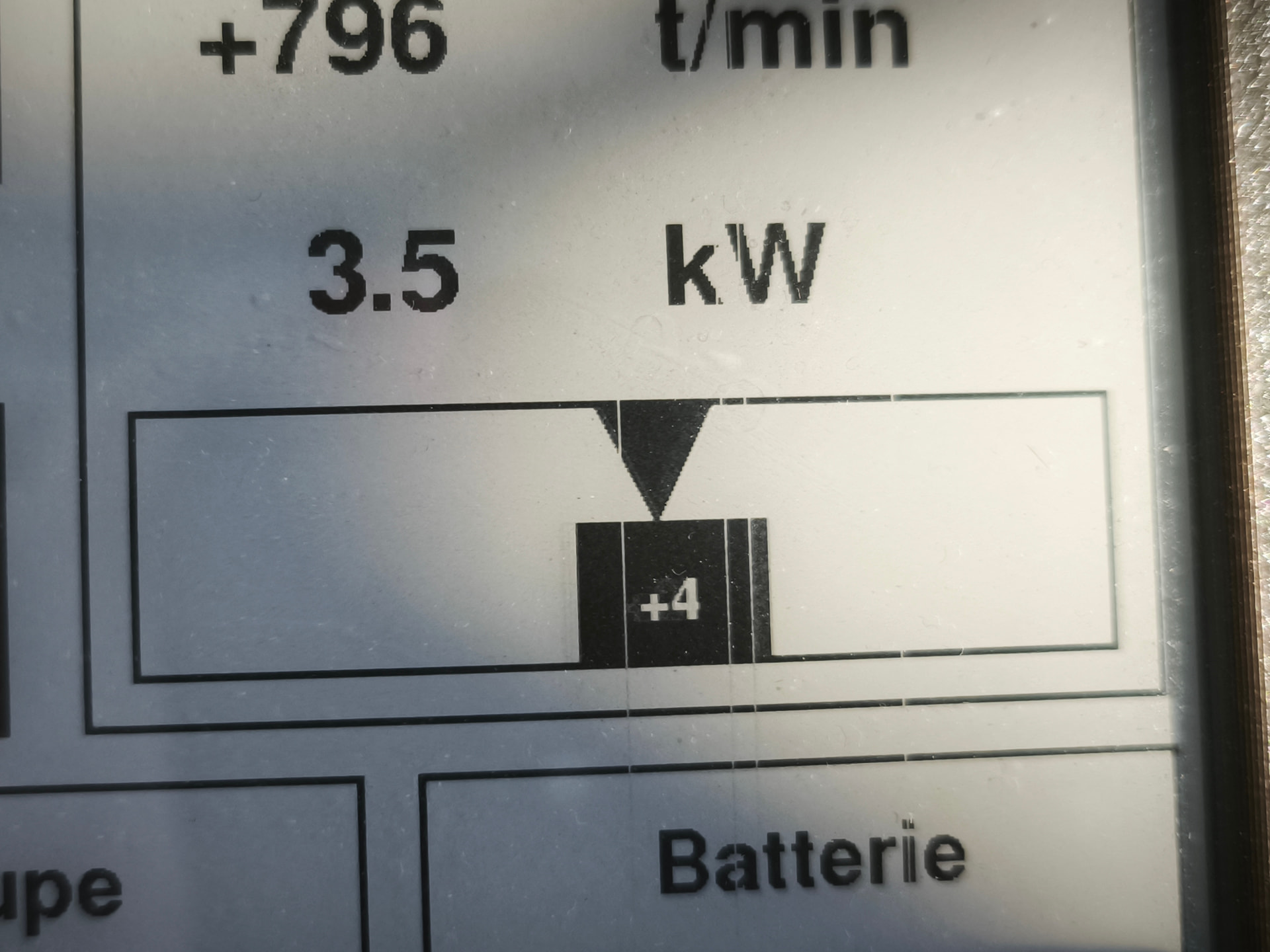
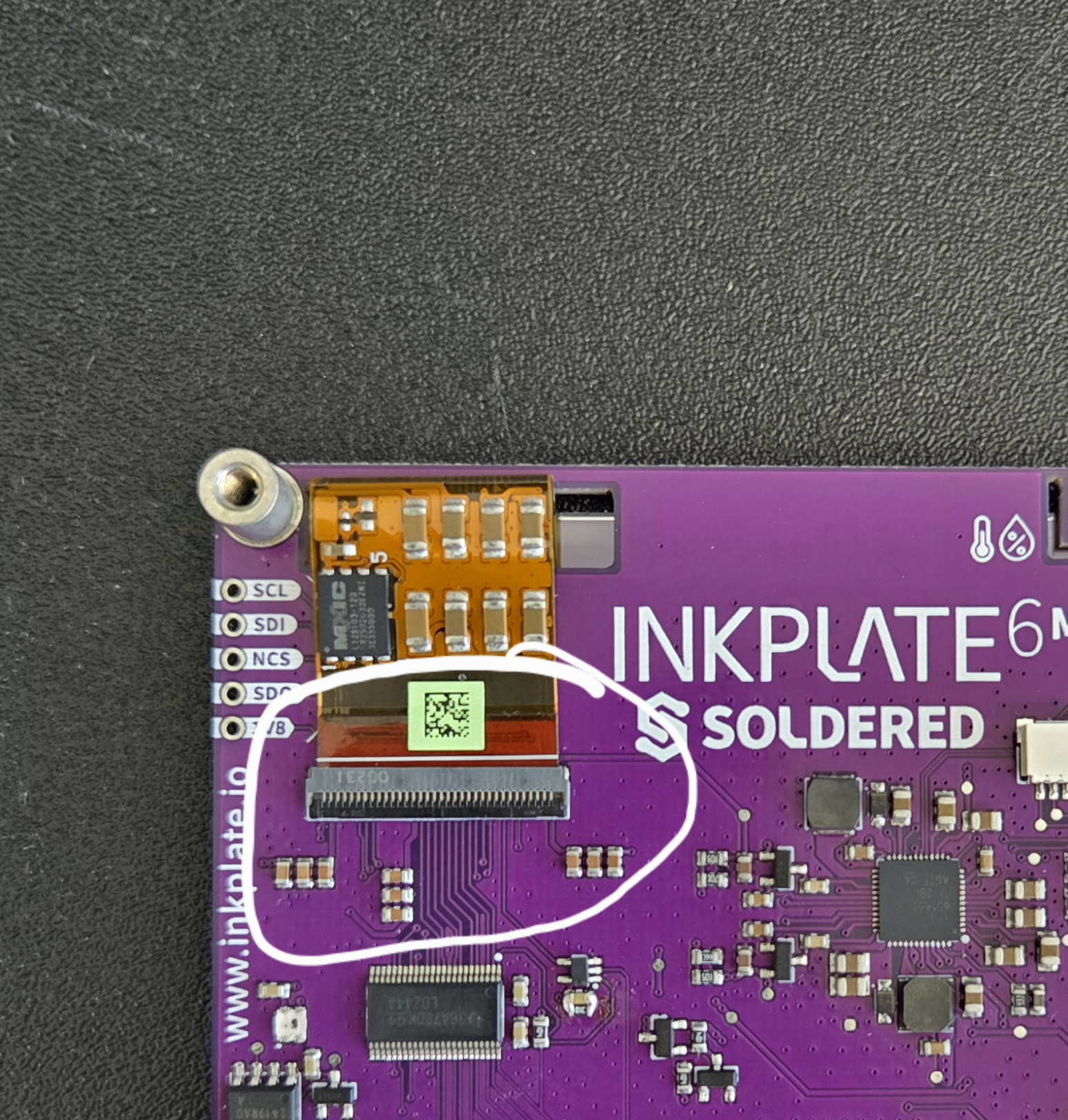
I took the ribbon cable out, then re-inserted it. Then the display was dead: the application ran normally, but without any change on the display.
I then removed the ribbon cable again, and thouroughly and firmly inserted back in, then closed the flap, and this time the display worked again, but with no improvement.
But I carried on, to improve the contact between the ribbon and the connector by gently pulling and pushing the ribbon while half-closing the lid to sort of clean the mating surfaces. This time, the clearscreen had some effect, that is, the previous black areas were not erased, but faded somewhat.
I then displayed a layout where some numeric value change continuously, and at each full write, the previous black areas faded so as to disappear almost completely after about ten full writes.
My application is strictly 1-bit, with no gray shades. The gray shades you see on the picture is only due to ghosting.
I remind you that this happened this morning while using it. I started to observe ghosting suddenly, and this got obvious when switching one display layout for another: then I got two superimposed images. But again, this morning when I started it, the display was ok.
+++++++++++++++++++++
I must also tell that I observed another problem, which occurred several times.
I have a configuration parameter that is stored in simulated EEPROM. Each time I switch the device on, this value is read back from EEPROM.
However, most of the time, I do not switch it off at night. I just connect the charger to be ready for the next morning. This morning I routinely checked the configuration, and noticed the value had changed. This happened a few times already, and I have no idea of the cause.
This did not bother me too much as recalibrating is easy, but if a RAM value changes unexpectedly, how many other RAM values can do the same?